
 Jim G Website
 Join our Discord
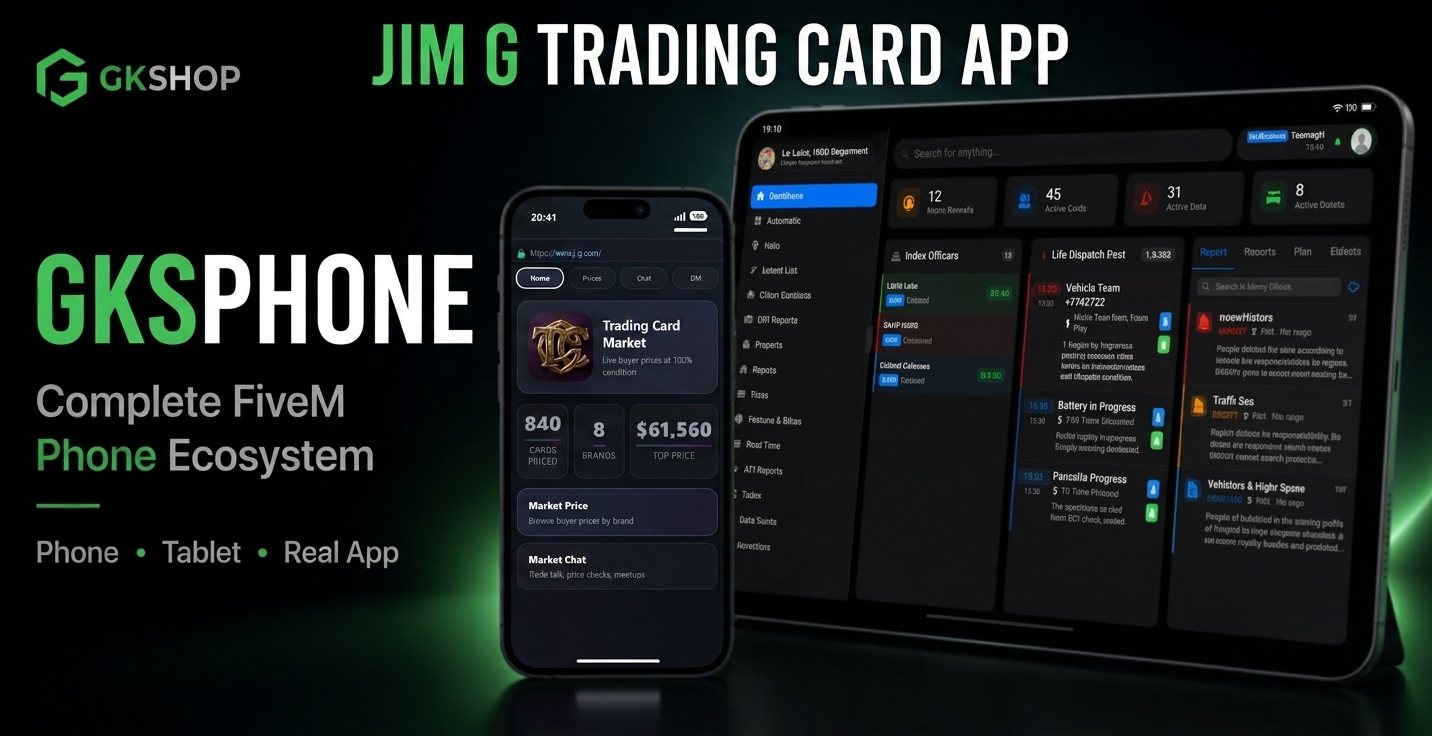
TCM — Trading Card Market
FREE ADDON · GKS Phone
Prices, chat, and DMs in their pocket.
Free GKS Phone add-on for Jim G Trading Cards. Players browse live buyer prices, search every card, chat with collectors, and arrange trades without leaving the phone.
Pulls live data from your existing Trading Cards config. No duplicate card list. No second price table. Optional same app on GKS Tablet.
Requires Jim G Trading Cards + GKS Phone.
This is a companion app only. It does not open packs, buy or sell cards, grade, or change inventories. Gameplay stays in Trading Cards.
📊 Price Guide
- Browse every sellable card on your server
- Filter by brand · search by name
- Full card art, rarity, stats, and effects
- Live buyer prices at 100% condition — same math as
Config.SellShop
🏠 Home
- Total cards available
- Active brand count
- Highest-value card on the server
💬 Market Chat & DMs
- Public marketplace chat for prices and trades
- Private one-to-one DMs with unread notifications
- Tap a player name to interact
🛠️ Technical
- Required: GKS Phone, Jim G Trading Cards, ox_lib, oxmysql, Newb_Bridge
- Optional: GKS Tablet via
Config.TabletApp - Resource:
jtc_gksphone_app - Chat tables create on first start — skip SQL if another TCM phone app already did it
- Do not add
ui_page— GKS loads the iframe itself - Open GKS Phone → App Store → install TCM
TCM for GKS Phone