
 Jim G Website
 Join our Discord
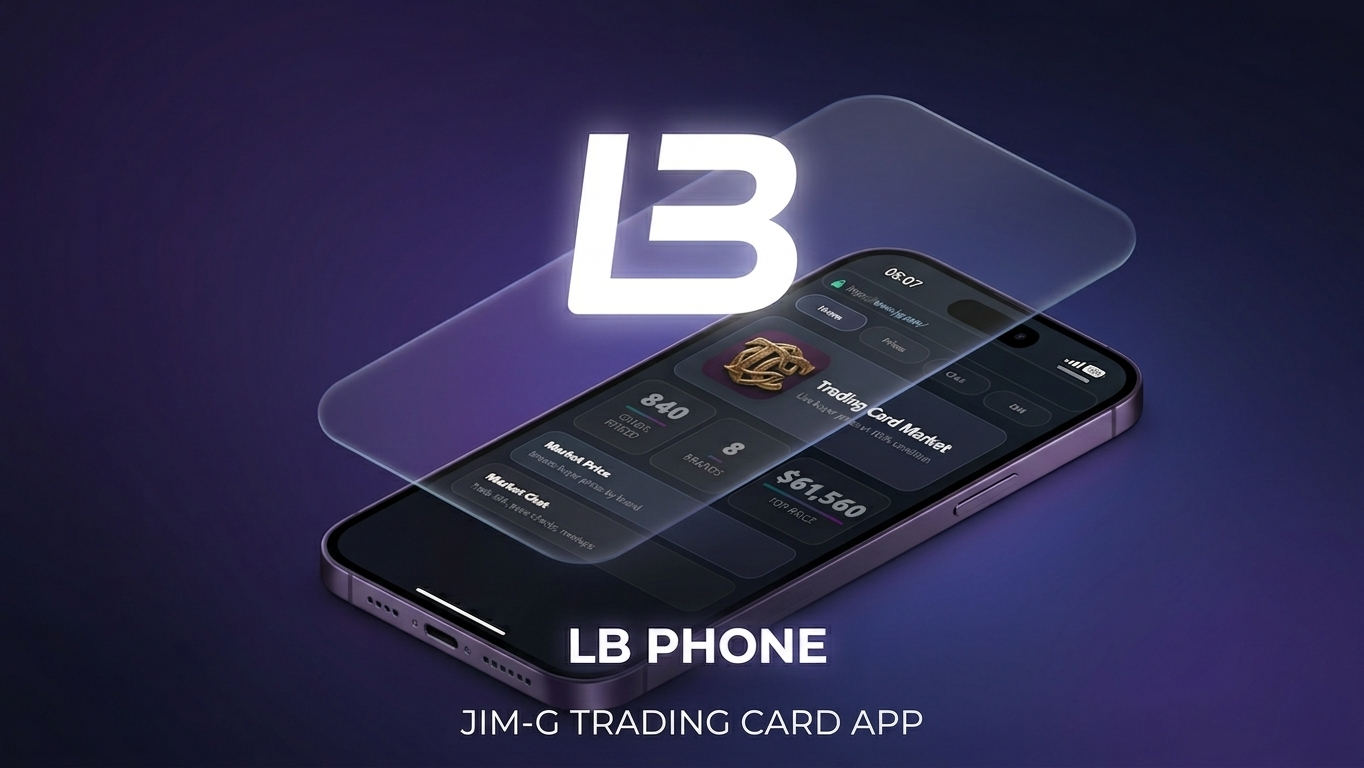
TCM — Trading Card Market
FREE ADDON · LB Phone
Prices, chat, and DMs in their pocket.
Free LB Phone add-on for Jim G Trading Cards. Players browse live buyer prices, search every card, chat with collectors, and arrange trades without leaving the phone.
Pulls live data from your existing Trading Cards config. No duplicate card list. No second price table.
Requires Jim G Trading Cards + LB Phone.
This is a companion app only. It does not open packs, buy or sell cards, grade, or change inventories. Gameplay stays in Trading Cards.
📊 Price Guide
- Browse every sellable card on your server
- Filter by brand · search by name
- Full card art, rarity, stats, and effects
- Live buyer prices at 100% condition — same math as
Config.SellShop
🏠 Home
- Total cards available
- Active brand count
- Highest-value card on the server
💬 Market Chat & DMs
- Public marketplace chat for prices and trades
- Private one-to-one DMs with unread notifications
- Tap a player name to interact
🛠️ Technical
- Required: LB Phone, Jim G Trading Cards, ox_lib, oxmysql, Newb_Bridge
- Resource:
jtc_lbphone_app - Chat tables create on first start — skip SQL if another TCM phone app already did it
- Do not add
ui_page— LB Phone loads the app inside the phone - Open LB Phone → App Store → install TCM
TCM for LB Phone